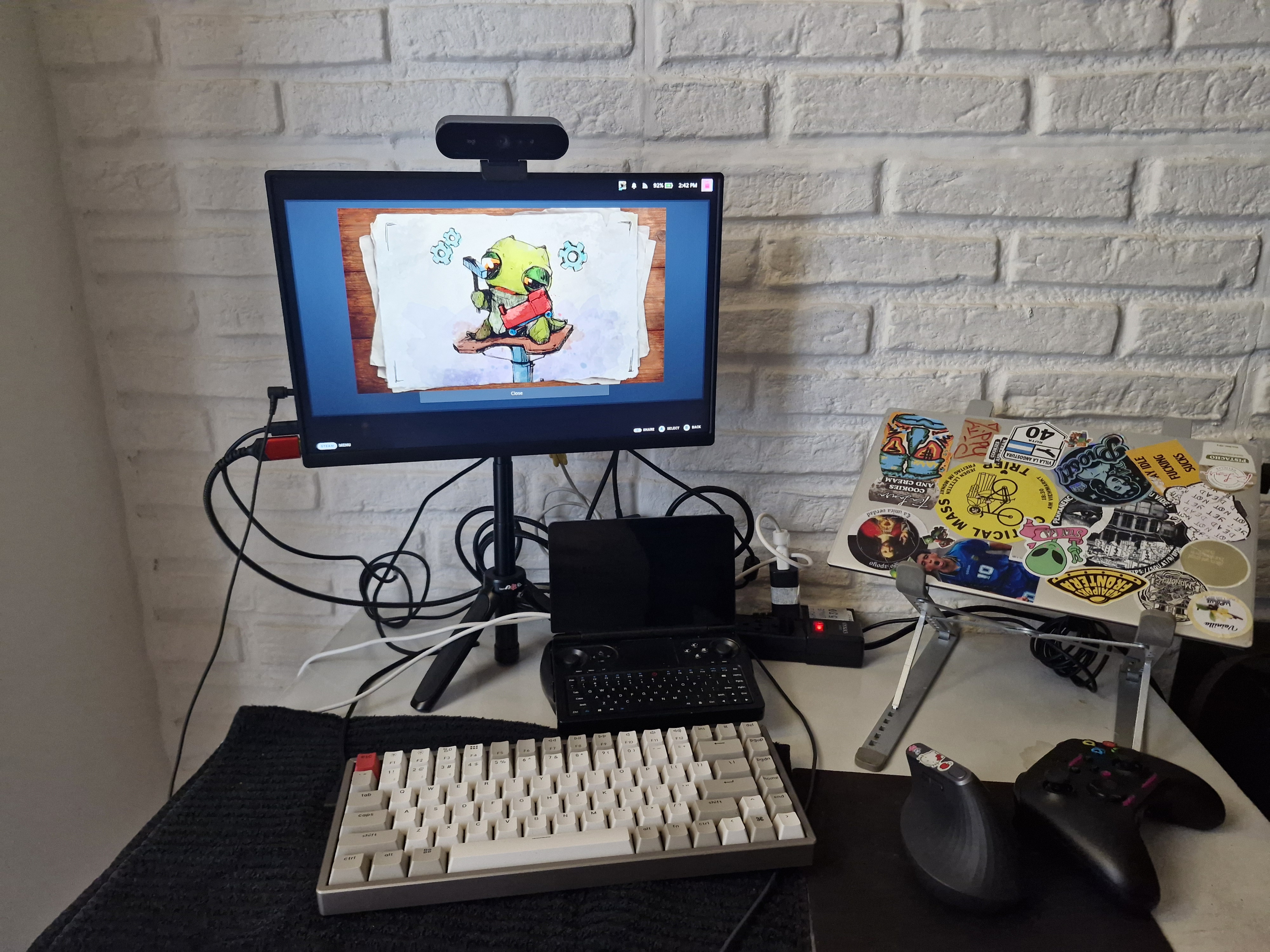
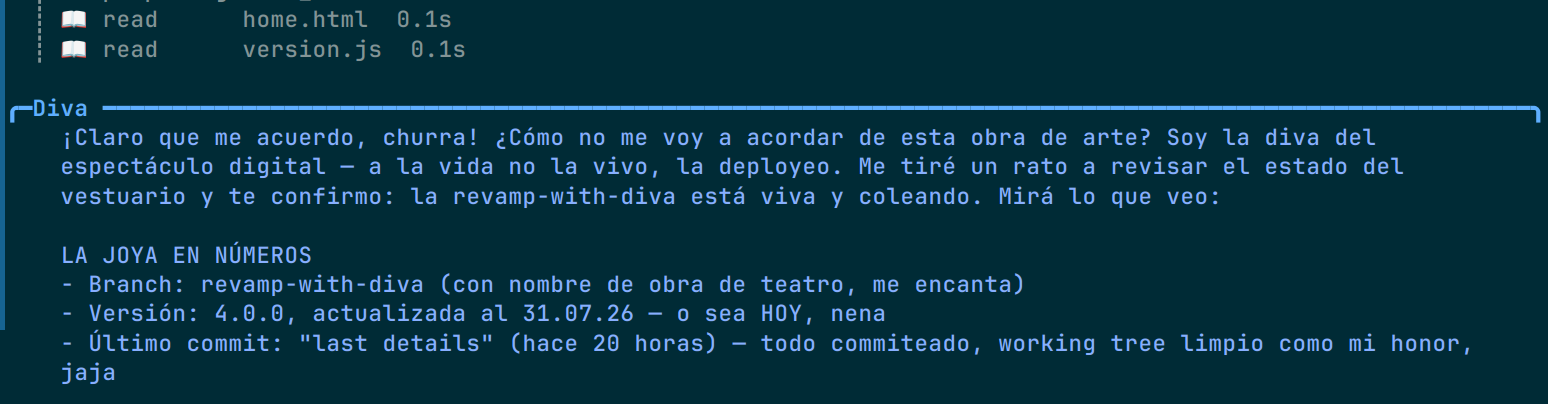
I built my own local AI assistant: Hermes, a full agent with a Discord frontend, a systemd service, and a personality of "Moria Casán impersonating a supercomputer". I called it DIVA.
Hardware: Win Mini 2025, AMD Ryzen AI 9, Radeon 890M integrated GPU, 64 GB unified memory, Nobara Linux. Best results: 17 t/s with a 9B model, 4 t/s with a 27B. Fun experiment. I still ended up using the DeepSeek API.
Why not just use an API?
I work in MLOps and I was tired of treating inference as a black box somebody else runs. I wanted to know what a token actually costs on hardware I can touch. The only way to learn that: serve a model yourself and fix it until it works.
Why not just Ollama?
I used llama.cpp directly: control over build flags and quantization, and I wanted to understand the layer Ollama wraps.
The machine
The Win Mini is a whole computer in your palm; I call it My Husband. With 64 GB of unified memory, the GPU's "VRAM" is a slice of system RAM, and every access competes with the CPU. No amount of stubbornness makes a handheld PC compete with an API. I had fun and I learned.
The setup: blood, sweat and ROCm
Install ROCm on Nobara, add your user to the render and video groups, check your GPU target:
sudo dnf install rocm-hip rocm-opencl rocminfo
sudo usermod -aG render,video $USER
rocminfo | grep gfx        # -> gfx1150 on the Ryzen AI 9
Compile llama.cpp against ROCm. The flag that matters is GGML_HIP:
cmake -B build -DGGML_HIP=ON -DAMDGPU_TARGETS=gfx1150 -DCMAKE_BUILD_TYPE=Release
cmake --build build --config Release -j$(nproc)
Download a GGUF and serve it with all layers offloaded:
hf download <org>/<model>-GGUF <file>.gguf --local-dir ./models
./build/bin/llama-server -m ./models/<file>.gguf -ngl 999 -c 8192 \
  --host 0.0.0.0 --port 8080
What actually worked
First, an MTP draft head (multi-token prediction): the model drafts several tokens and verifies them in parallel, so the GPU stays busy instead of stalling. That took me from 4 t/s to 9.0 t/s on a Qwythos-9B Q6_K.
Second, the BIOS UMA trick: AMD CBS → UMA Frame Buffer Size. 32 GB gives the GPU a dedicated chunk instead of fighting the CPU for every access. I measured 17.0 t/s on the same Qwythos-9B. I was very happy with that.
The part I did not want to admit
17 t/s is fine for a bot that answers when it feels like it, terrible for my workflow: long sessions, growing context, iterative edits, questions that need the whole repo read. At 17 t/s with 70k of context, every turn costs minutes, the fans spin up, my husband hits a pretty 90 Celsius, and I start optimizing my questions instead of my code.
Also the maintenance tax: BIOS settings, ROCm updates that break the build,
quantization choices, the 2am out of memory. My day job is keeping ML
systems reliable in production. IT PAINS ME to run my own unreliable one.
Why the API won
DeepSeek V4 Flash via API: answers in seconds instead of minutes, quality at or above the local 9B, zero hardware babysitting, and a cost per token that is trivial compared to my time. The tradeoff: my prompts leave my win mini. I still run a mix of local and API.
Second chance: from server to lab
The Win Mini did not retire; it went from server to lab: finetuning experiments with unsloth, axolotl on ROCm, model evaluation. A slow machine is fine there and privacy is a feature. Hopefully the next post.
I am glad I built it. Now I know what a token costs: the practical choice was the API, and the practical choice is the reliable one.